












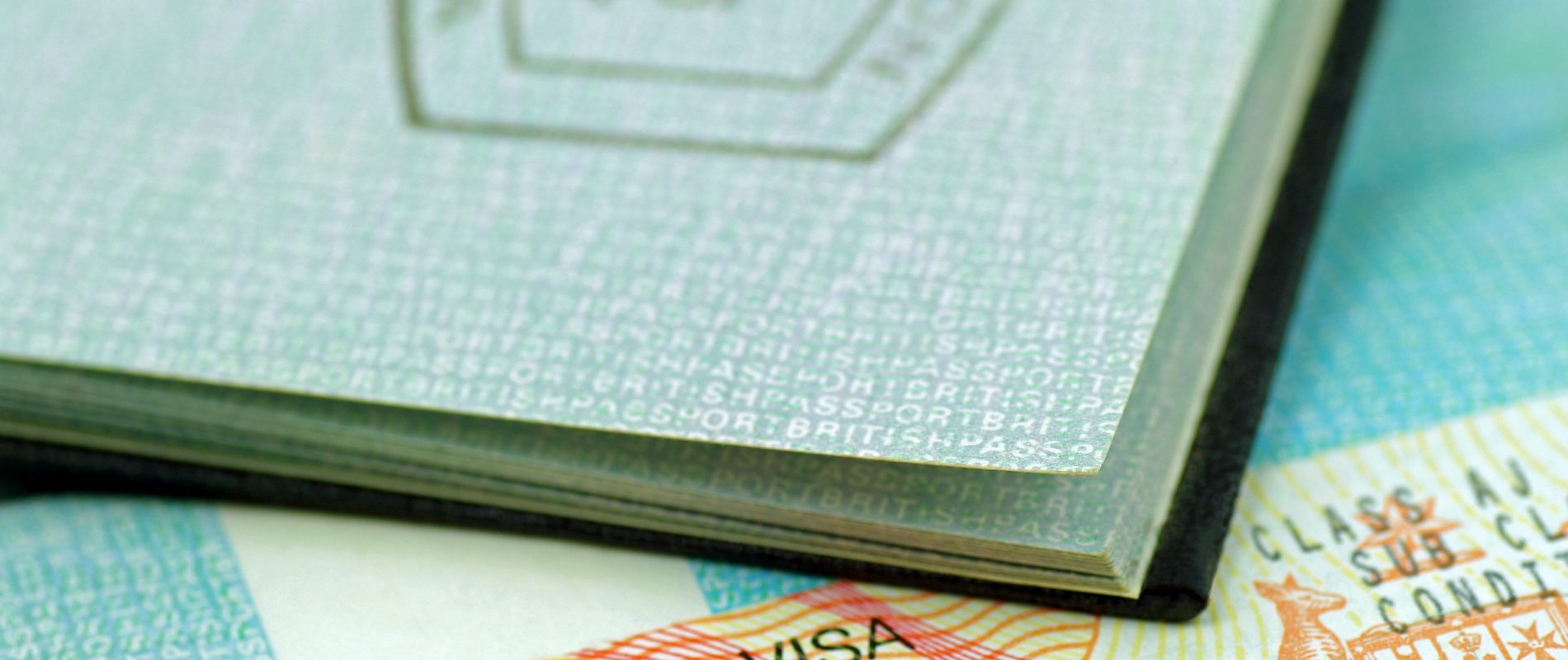
Applications for Working Holiday Visa to Australia: Evidence of funds ($5,000)

Applications for WHV to Australia: New documents and requirement rules

The Australian government requires you to provide proof of sufficient funds, showing that you have at least AUD 5,000 to support yourself at the beginning of your stay AND additional funds (no specific amount is stated) to allow you to purchase a return flight or a flight to leave Australia at the end of your Working Holiday.

What form should proof of funds take for an Australian Working Holiday?

If you are asked to provide proof of funds when going through immigration, you can provide:

  1. A very recent bank statement clearly showing the amount of savings you have (at least AUD 5,000), in euros, Canadian dollars or any other currency, depending on your country of residence (the exact amount may vary depending on the current exchange rate, but you should have around €3,100 / CAD 5,000). If your bank’s interface is available in English, that’s ideal.
  2. A letter (preferably in English) signed by your bank, with the bank’s letterhead, stamp and the bank employee’s signature.
  3. A screenshot of your bank account showing your name, the date and the amount available in your account(s). If your bank’s interface is available in English, that’s ideal. This is probably the simplest option.

Important: if the document is not in English, it must be translated.

If your documents are not in English, they must be translated.

You aren’t required to use a certified translator, but the professional must specify the following information on the translation document:

  • Full name
  • Address
  • Phone number (with area code)
  • Education and experience as a translator

If you need help translating your documents, pvtistes.net has partnered with Altius Language Services to save you 10% on your translations.

Another option: Using automatic translation tools

We recommend avoiding tools that generate a new document in English. Instead, use translation tools built into your web browser.

On Chrome

Once you are on your online banking page, click the three vertical dots on the right-hand side of your screen and click “Translate”.

On Safari

Once you are on your online banking page, click “View” in the menu bar and select “Translate”.

If you have never used this tool before, you will need to click “Preferred Languages” and add English to the left-hand side of the new window that opens.

You can then take a screenshot of your bank account(s) in English 🙂

Lilou

Cofondatrice de pvtistes.net, j'ai fait 2 PVT, au Canada et en Australie. Deux expériences incroyables ! Je vous retrouve régulièrement sur nos comptes Insta et Tiktok @pvtistes avec plein d'infos utiles ! Cofounder of pvtistes.net. I went to Canada and Australia on Working Holiday aventures. It was amazing!

Add to my favorites
5
1 vote

Please login to be able vote.

0 comments

There are no comments at the moment but feel free to add your own 🙂